 Migos AI Video
Choosing photos for a friends or couple AI duo video
Improve your two-person reference photos before spending credits on an orange-room performance.
Start with two distinct, clear people
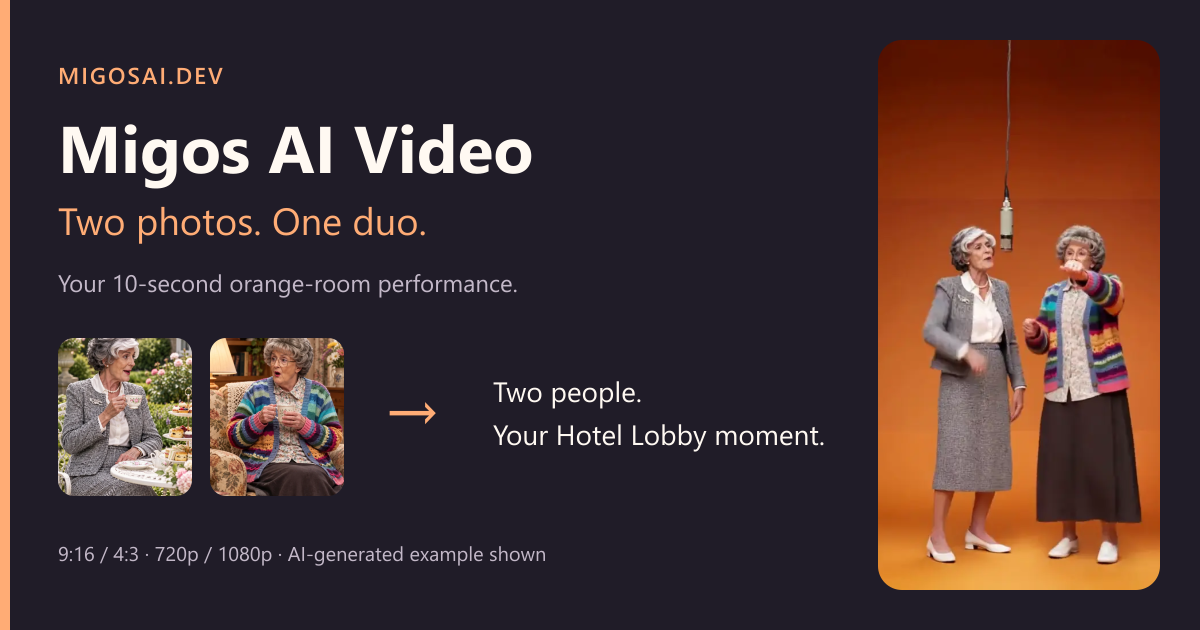
For a friends or couple video, use one person per image. The model receives the first portrait as the left performer and the second as the right performer. A busy group photo leaves identity assignment ambiguous. Check the on-page portraits and use Remove to replace the wrong one before confirming.
A front-facing or slightly turned face is usually easier to interpret than a profile, a distant face or one hidden behind hair. Use natural proportions and avoid heavy beauty filters. A sharply edited selfie can carry misleading facial details into the output. This is input guidance, not a guarantee of the model's result.
Clothing is part of the reference
Choose a picture that shows the outfit you want represented. If only the face is visible, the model has less information about the rest of the clothing. A readable silhouette, sleeves and garment colors give it more context. Two reference portraits may come from different locations; the performance background comes from the prepared orange-room video.
Do not rely on a mug, phone or handbag in a reference portrait appearing in the result. The generation prompt explicitly asks to ignore handheld objects while retaining the person and outfit. A prop that covers a hand, torso or face also hides information the model needs. Cropping out an unwanted object before uploading can help, as long as it does not remove important facial or clothing details.
Composition for 9:16 and 4:3
The photo's original aspect ratio does not select the finished video's ratio. Use the studio's ratio controls. The available formats are 9:16 and 4:3, both at a fixed 10 seconds. Choose based on where you plan to publish, then check that both people remain visible in the result.
The output follows a performance reference rather than your photo's pose. Clear input portraits help identity and clothing replacement; they do not override the reference choreography. Tiny gestures, facial expressions, hands and timing can vary between generations.
Consent and privacy
Use photos you own or have permission to use, and obtain the featured person's agreement. Do not make deceptive impersonations, non-consensual intimate content, hateful material or other prohibited content. Read the content standards before uploading.
Photos are sent for processing only when you click Generate. Account history and output handling are described in the privacy policy. Avoid uploading sensitive personal information in a photo's background.
A short checklist before you spend credits
- One identifiable person in each photo, with the face visible.
- Enough clothing visible to communicate the requested outfit.
- Both people consent to the use of their photos.
- Left and right assignments, quality and output ratio are correct.
- You understand that one complete 10-second video uses 51 credits at 720p or 68 credits at 1080p.
If the result needs another attempt, review which input could be improved first. Regeneration is a new task and uses credits. Start a duo video when both portraits are ready.